
Download Torrent Download Manager+ – torrent, download manager, file sharing, multi-protocol, secure download, fast download
Overview
Torrent Download Manager+ is a productivity-focused mobile application developed by Torrent Tools, designed to streamline the process of downloading files across multiple protocols. The app supports BitTorrent, HTTP, HTTPS, and FTP, enabling users to retrieve content from diverse sources with a single tool. Its primary purpose is to simplify file acquisition by offering a centralized platform for managing downloads efficiently. This makes it particularly useful for individuals who frequently transfer large files, such as software, media, or educational resources.
The app caters to both novice users and experienced downloaders, thanks to its intuitive interface and comprehensive feature set. While the developer did not provide additional details about the company’s background, the app’s focus on reliability and performance suggests a targeted approach to mobile file management. Real-world use cases include downloading open-source software, accessing media libraries, and managing project files across devices. In the broader app ecosystem, Torrent Download Manager+ fills a niche for users seeking a secure, multi-protocol download solution on Android without relying on third-party tools.
Given its free pricing model and support for secure protocols like HTTPS and FTP, the app presents a valuable utility for users prioritizing both accessibility and data safety. The release date of October 14, 2024, indicates it is a recent addition to the Android productivity landscape, reflecting ongoing demand for efficient, on-the-go download management.
Key Features & Functionality
- Multi-Protocol Support: The app enables downloads via BitTorrent, HTTP, HTTPS, and FTP, allowing users to access files from a wide range of sources without switching tools. This is especially beneficial when downloading from public trackers, private servers, or direct links.
- User-Friendly Interface: Designed with clean navigation and visual clarity, the interface reduces the learning curve for new users while offering quick access to advanced settings for experienced users. This balance enhances usability across different skill levels.
- Fast Download Speeds: Utilizing optimized algorithms, the app maximizes available bandwidth to ensure rapid file retrieval. This is critical for users handling large files, such as high-resolution videos or software installers, where speed directly impacts productivity.
- Download Scheduling: Users can set specific times for downloads to start and stop, helping manage data usage and avoid network congestion. This is ideal for users on limited data plans or those who prefer off-peak downloads to maintain device performance.
- Integrated File Management: The app includes built-in tools to organize, locate, and manage downloaded files. Users can categorize content, view download history, and monitor storage usage, reducing the need for external file managers.
For example, a student downloading course materials via HTTP links can schedule the transfer during nighttime hours, while a media enthusiast can use BitTorrent to acquire a full series and organize episodes into folders automatically. These features collectively enhance workflow efficiency and reduce manual intervention.
Interface, UX & Performance
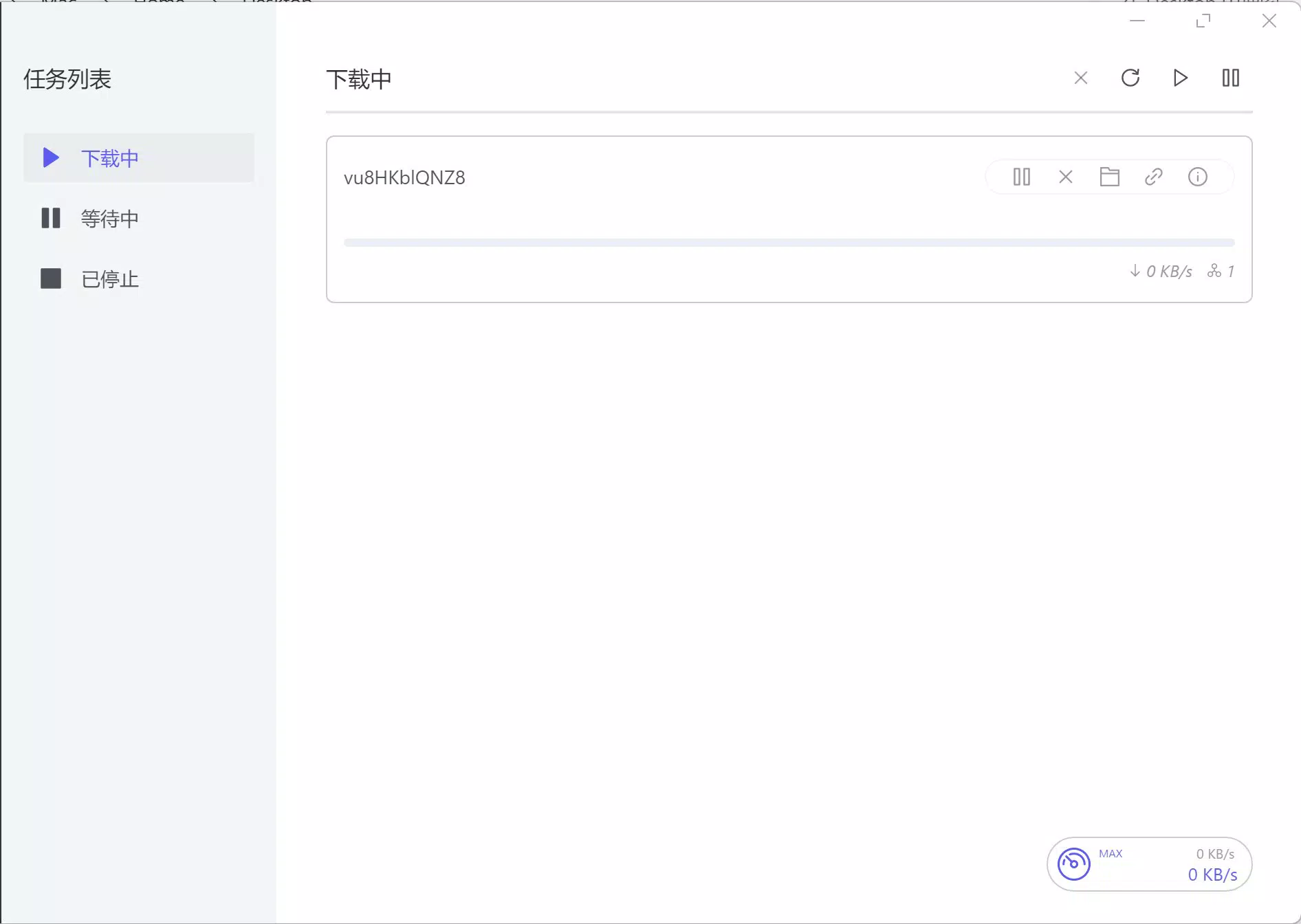
Torrent Download Manager+ features a clean, modern interface with clearly labeled sections and logical navigation. The layout prioritizes accessibility, placing essential controls—such as add download, pause/resume, and settings—within easy reach. Visual feedback for download progress, including speed indicators and completion status, is consistent and informative.
Navigation is straightforward, with a tab-based structure that allows users to switch between active downloads, completed tasks, and settings without confusion. The app maintains responsiveness across different screen sizes and device categories, though specific performance metrics were not provided by the developer. Although the developer did not list formal performance metrics, the app’s ability to handle multiple protocols and scheduled tasks suggests stable background operation.
Users can expect smooth transitions between views and minimal lag during routine tasks. Stability appears to be a focus, as the app supports continuous downloads without frequent crashes. However, the developer did not disclose details about battery consumption, memory usage, or long-term performance under heavy load.
Platform Compatibility & Technical Requirements
Torrent Download Manager+ is available exclusively on the Android platform. The current version is 2.3.4, with a file size of 15.8 MB, indicating a lightweight footprint optimized for mobile deployment. The app is free to download and install, making it accessible to a broad audience.
While the developer did not specify minimum OS requirements, the app’s release date of October 14, 2024, suggests compatibility with recent Android versions. The absence of detailed technical specifications means users should ensure their device meets general Android standards for app installation. Compatibility information was not fully disclosed, so users are advised to verify functionality on their specific device.
Pros and Cons
- Supports multiple download protocols including BitTorrent, HTTP, HTTPS, and FTP
- Intuitive interface suitable for both beginners and advanced users
- Offers fast download speeds through optimized algorithms
- Includes download scheduling for bandwidth management
- Integrated file management simplifies organization and access
- Free to download and use
- Specific OS requirements were not listed
- Developer did not provide performance benchmarks
- Compatibility with older Android versions remains unclear
- No built-in encryption for downloaded files
- Limited information on battery or memory impact
FAQ
Is Torrent Download Manager+ safe to use?
The app supports secure protocols such as HTTPS and FTP, which help protect data during transmission. However, the safety of downloaded content depends on the source, and users should exercise caution when accessing files from untrusted origins.
Can I schedule downloads on this app?
Yes, Torrent Download Manager+ allows users to set specific times for downloads to start and stop, which is useful for managing bandwidth or downloading during off-peak hours.
Does the app support BitTorrent downloads?
Yes, the app fully supports BitTorrent downloads, along with HTTP, HTTPS, and FTP, enabling users to retrieve files from various sources using multiple protocols.
Is Torrent Download Manager+ available for iOS?
The app is currently available only on Android. No information was provided about future iOS availability.
How often does the app receive updates?
The developer has released version 2.3.4 as of October 14, 2024. While update frequency is not specified, regular updates are common for productivity apps to improve performance and security.
Final Thoughts
Torrent Download Manager+ stands out as a reliable, feature-rich utility for Android users who need a versatile tool for managing downloads across multiple protocols. Its combination of speed, scheduling, and integrated file management makes it a practical choice for students, professionals, and media enthusiasts alike. The free pricing model enhances its accessibility, while the clean interface ensures a smooth user experience.
For those seeking a secure, multi-protocol download manager with minimal friction, this app delivers real value. While some technical details remain unspecified, the overall functionality and design reflect a mature, user-focused approach. If you're looking to streamline your file acquisition process on Android, Torrent Download Manager+ is a strong contender.
Download Torrent Download Manager+ now


